1. 取得網站根目錄 ( 例如:/seminar2014 )
<?php echo Yii::app()->request->baseUrl; ?>
2. 取得網站目前網址 ( 例如:/seminar2014/site/index )
<?php echo Yii::app()->request->requestUri; ?>
3. 取得 Controller Name ( 例如:site)
1. 取得網站根目錄 ( 例如:/seminar2014 )
<?php echo Yii::app()->request->baseUrl; ?>
2. 取得網站目前網址 ( 例如:/seminar2014/site/index )
<?php echo Yii::app()->request->requestUri; ?>
3. 取得 Controller Name ( 例如:site)
git rm -r --cached .想要在一開始搜尋資料的時候,就載入關聯的資料表資料,可以使用下面方法:
1. 確認好 Model 裡的 relations()
public function relations(){
    return array(
        'creator' => array(self::BELONGS_TO, 'User', 'creator_id'),
記得 MySQL 預設是不支援 Foreign Key 的功能,但其實 MySQL 中有相關的套件了,只是沒有開啟而已,InnoDB 是 MySQL 上第一個提供外鍵約束的表引擎。
如何啟動:請在 my.ini 中將 skip-innodb 這行用 # 號註解掉。
引用範例:
CREATE TABLE parent(
    id INT NOT NULL,
例如: Module 名稱為 admin,只要在 AdminModule.php 內,新增以下程式碼即可:
public $layout = '/layouts/column2';
至於在 column2 內 載入 main.php 只要使用 /layouts/main 即可。
手動安裝
1. 下載檔案 yii-fancybox
2. 將目錄 assets 及檔案 FancyBox.php 放到目錄 protected/extensions/fancybox 底下
3. 將底下程式碼放到 views 中
$this->widget('application.extensions.fancybox.FancyBox', array(
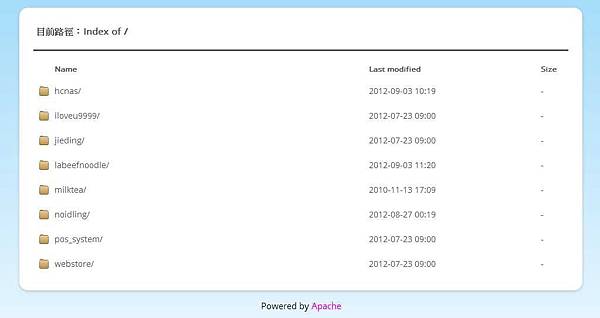
為避免訪客瀏覽非預設可瀏覽的檔案及資料夾內容,可使用 .htaccess 設定禁止瀏覽的檔案及資料夾 ( 資料夾內檔案仍可存取 )。
設定範例內容如下:
RewriteEngine on
# forbidden files
RewriteCond %{REQUEST_FILENAME} -f